BUILD PROJECT
A small modern house
Make a nine-by-seven house with broad glass panels, a flat roof and an oak porch. Learn how a small palette and clear proportions change a block build.
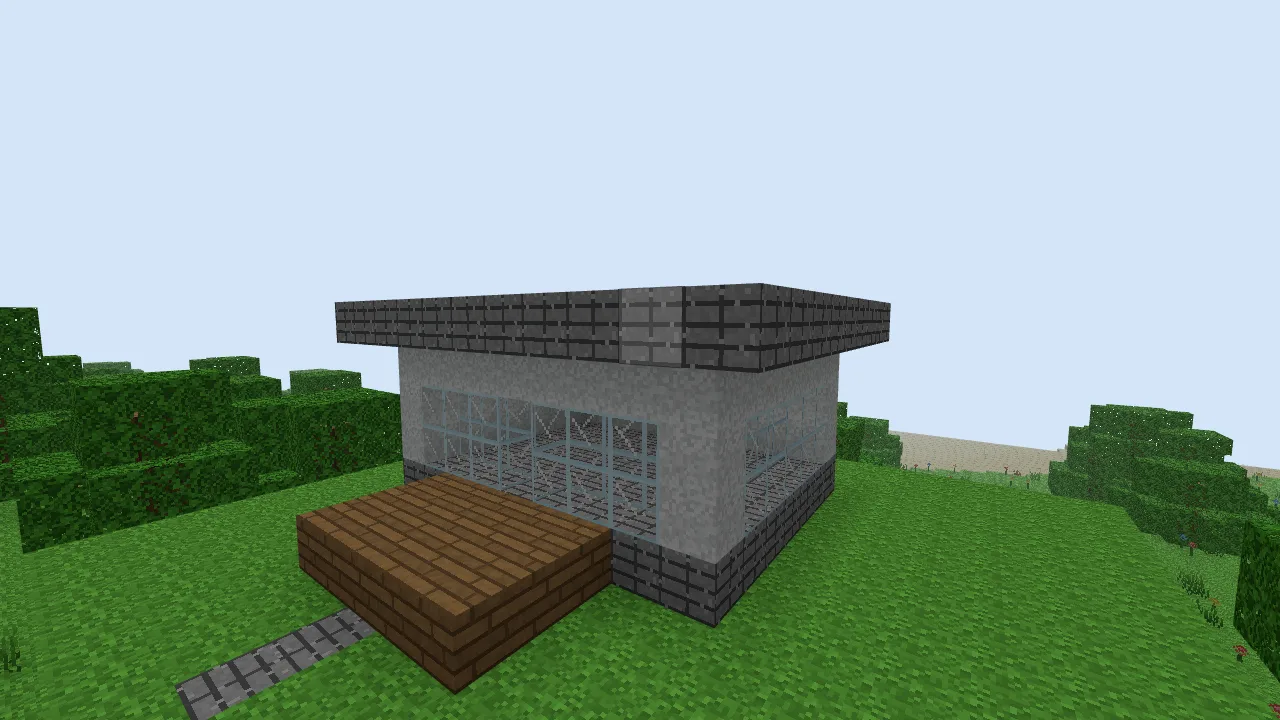
- Floor
- 9 blocks wide, 7 deep
- Walls
- 3 blocks high; a 7-by-5 interior
- Roof
- 11 by 9, with a one-block overhang
- Materials
- Stone Bricks, White Wool, Glass and Oak Planks
1. Establish the shell
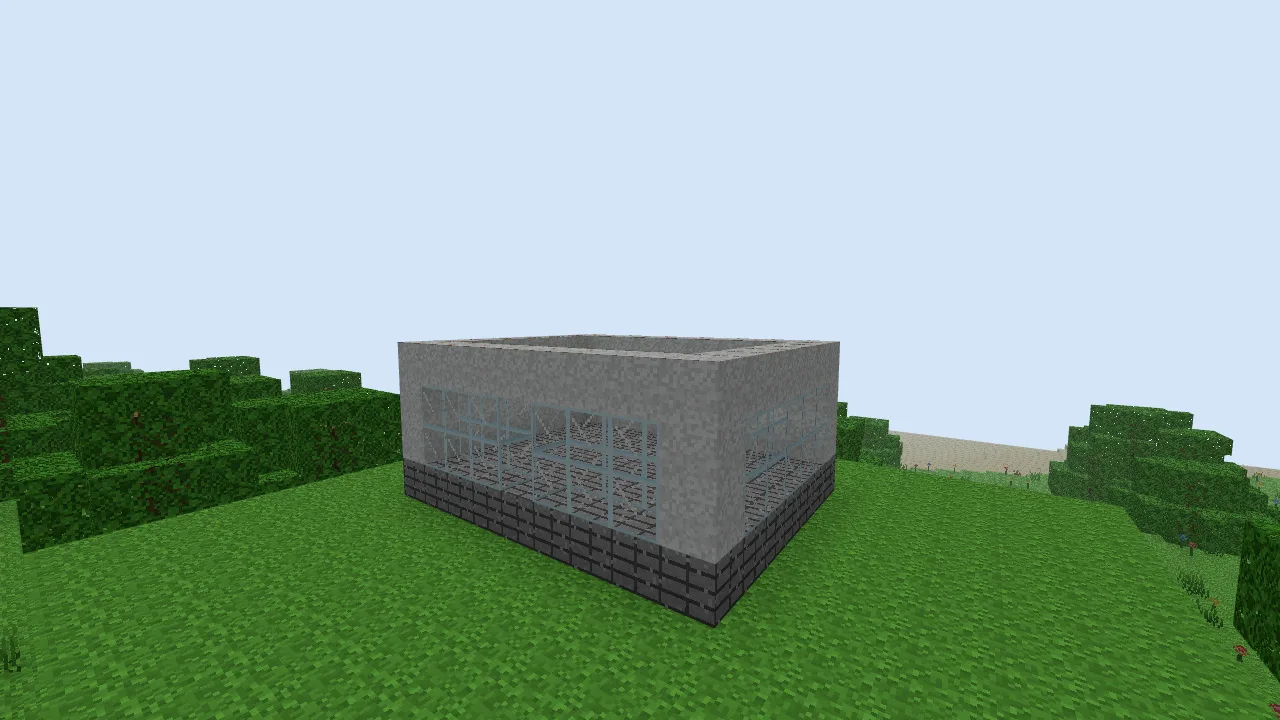
Lay nine Stone Bricks across the front, then add six more rows. Build White Wool walls three blocks high around the perimeter, leaving the inside empty. Leave a doorway at the centre of the front wall, one block wide and two high.
The white material is decorative wool from the block picker; the game does not simulate architectural insulation or material strength. Keep the initial palette small so the shape is easy to read.
2. Open up the front and one side
On either side of the entrance, replace a three-block-wide, two-block-high area with Glass. Keep a solid corner column at each end. On the right wall, make a five-block-wide window two blocks high, keeping both corners and the upper wall row.
3. Add a flat roof
Place an eleven-by-nine rectangle of Stone Bricks above the walls. Extend it one block beyond every wall. A single continuous edge reads more clearly than several unrelated roof heights on a house this small.
For a lighter edge, try the half-block roof variation on a copy of your build. The published example uses full blocks, so it needs no half-block orientation.
4. Give the entrance room
Add a five-by-three Oak Plank porch in front of the doorway, level with the floor. Place a short Stone Brick path beyond it. Keep the entrance and windows clear rather than covering every empty space with another material.
Compare before adding detail
Fly back and check the proportions: white walls, a darker horizontal roof and one wooden entrance. Change one element at a time. Try reducing the side window or extending the porch, then use undo to compare the result. The roof, wall and window shapes matter more here than a long material list.
Open the finished example
Download the small modern house world code. Open the text file, copy the whole code and follow the import instructions. Importing replaces the save slot for this example’s seed. Back up any existing copy first.
After opening the imported world, press / and enter /tp 12 46 13. Press F to fly, then look toward the build near X 5, Z 2.
Optional: reproduce the example with commands
Use a new Classic Isles world with seed justbuild-modern-house. These commands overwrite the listed area, including existing terrain and edits. Press /, paste one command, press Enter and repeat. The final command moves you to the viewing position. Coordinates are absolute.
/fill -4 42 -4 15 70 13 air
/fill -3 42 -3 14 42 12 grass_block
/fill 0 43 0 8 43 6 stone_bricks
/fill 0 44 0 8 46 6 wool_white
/fill 1 44 1 7 46 5 air
/fill 4 44 6 4 45 6 air
/time set 0.5
/fill 1 44 6 3 45 6 glass
/fill 5 44 6 7 45 6 glass
/fill 8 44 1 8 45 5 glass
/fill -1 47 -1 9 47 7 stone_bricks
/fill 2 43 7 6 43 9 oak_planks
/fill 4 42 10 4 42 11 stone_bricks
/tp 12 46 13
New to the controls? See Your first world. Choose another project in Things to build.